JAMB 2026/2027 Admission Process Called Central Admission Processing System (CAPS) for giving candidates admission portal is now open.
Aims of JAMB CAPS
The main aim of JAMB CAPS is to make provision for a ‘market place’ in the JAMB portal where institutions can go and ‘request for students in Nigeria who score their cut off points.’ what this means is that you may likely see another school admission pop out in JAMB CAPS, but bear it in mind that you may have registered that school post UTME.
These institutions will write to JAMB to request for the students and also give them (students) three days to respond. Also, only three universities can request for a candidate.
The new system is such that institutions can only admit those who meet their cut off points. A certain admission officer who was in attendance affirmed that if a candidate fails to meet the cut off mark, that student would certainly be denied admission irrespective of the candidate’s connection.
Also, the policy intends to make provisions for candidates to accept and reject any admission being offered to them.
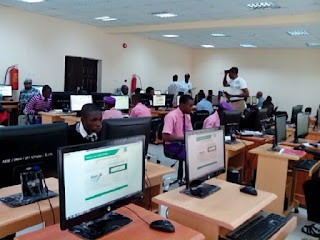
How To Access Your Admission on JAMB CAPS
You can access the portal using either your mobile phone or pc.
- Visit JAMB e-facility.
- Input your email and password, then login.
- Click Check Admission Status.
- Input your JAMB Reg number with your exam year
- Click Access my CAPS.
- Tap Admission Status.
If you’ve been offered admission, you’ll see Accept and Reject.
If not, the buttons stay grey. Just click accept button and congrats you’ve been offered admission then you head on to print your original JAMB Admission Letter with 1k. You done. Congrats from SchoolEdu



Be the first to comment