University of Uyo (UNIUYO) Old (undergraduates) and New (freshers) Student Portal for students school activities and online registration of any fee is uniuyo.edu.ng. Below are guildlines on how to navigate this portal
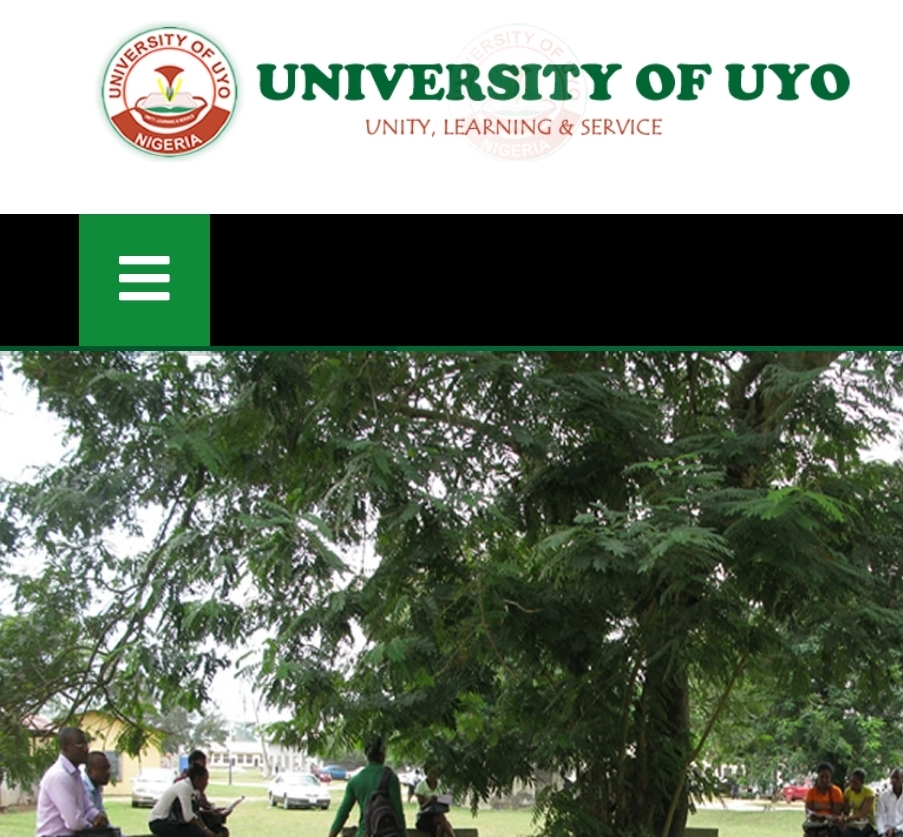
The management of the University of Uyo (UNIUYO) has enabled the student portal for all the affairs. Students can carry out different school activities from their end using their individual student profile logins. There are different sections of the school portal for different school activities
The school home page contains the blog/news section of the site where you see daily school news
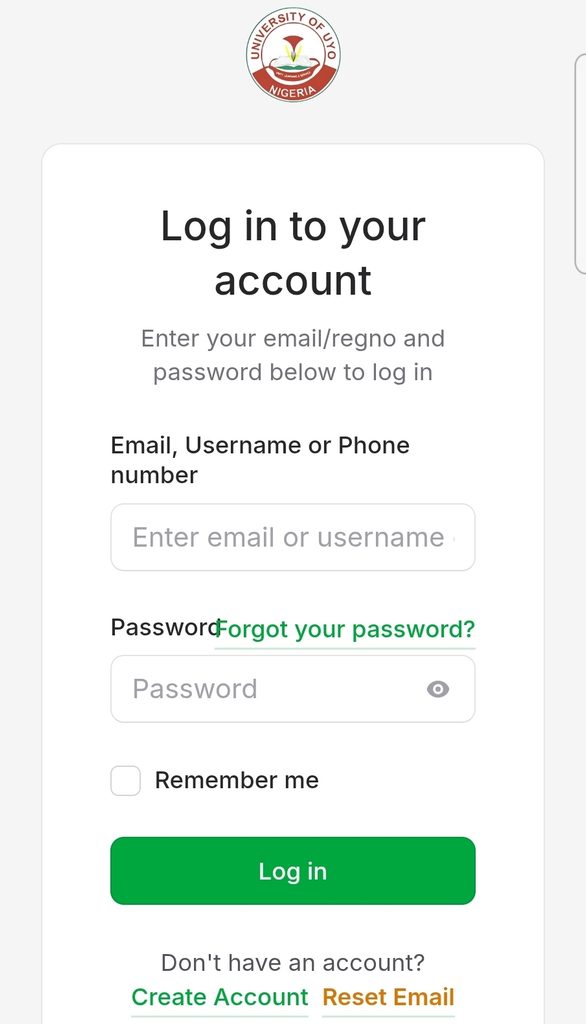
UNIUYO Student Application portal
You will need to login here with your email/ phone number and phone number you used in creating the account in the first place. You can register your semester courses here, Pay your session school fees, check semester result, view academic calendar, Manage your academic journey, and access essential student services. Visit here to access the student portal section
Course Registration
Register your online semester courses, manage your registrations and keep track of your academic programme.
Fees Dues & Payments
Pay your acceptance and school fees here, change of course fee, library, departmental and faculty dues make payments and keep track of your payment records. When logged in, select the fee you paying for an invoice would be generated for you, you can proceed to paying it in the bank or directly on the portal using your credit to debit MasterCard
Results & Records
View your semester results, academic records transcripts and your CGPA. Keep track of your performance
Academic Calendar
Check to see the approved academic schedules, semester dates, registration periods and examinations. So you can make preparations for your quiz and examination
Examination Guidelines
Access official examination instructions and relevant academic assessment information.
So you can access other wild ranges school resources using your student profile.
Instructions on how to pay School fees or access essential student services
- Visit the Student Portal, Open the University of Uyo Student Portal using the link above. Then let’s say you paying for Acceptance fees
- Open Acceptance Fee, From the portal dashboard,click Finance and click on Acceptance Fee.
- Initiate Payment, Click on Initiate Payment to begin the acceptance fee payment process.
- Review and Complete Payment, Carefully review the payment summary displayed on the portal, then click Complete Payment.
- You will then be redirected to the Remita payment platform. Follow the instructions provided to complete your payment.
- After making the payment, you should be authomatically or manually returned to the University of Uyo Student Portal.
- Under Finance, click on Transaction Status.
- Enter your Remita Retrieval Reference (RRR) and click Check Order Status to verify the transaction.
- Once your payment has been successfully confirmed, download and print your e-Payment Receipt.
- Obtain Official Confirmation, Present your printed e-Payment Receipt to the Faculty Finance Officer for confirmation and official stamping. Keep your receipt with you all time, its usually important for quize and examination period
If you aspiring to school here and didn’t see what you were looking for on the portal you can walk down to the school campus to make further enquiries in their
Main Campus
Nwaniba Road, Uyo,
Akwa Ibom State, Nigeria.
Town Campus And Annex Campus
Ikpa Road, Uyo,
Akwa Ibom Ibom State,
Nigeria.
This is their contact email as the portal is attached to their email, to see their phone number you can scroll below the footer of the page to see it
Postal Box: P.M.B 1017,
Uyo, Aks.
registrar@uniuyo.edu.ng
We hope you find this article helpful. Don’t forget to share to other using the social button below this post
Be the first to comment