
The River State University of Science and Technology (RSU) Student Portal | RSU Online Student Application Portal Login / Registration for the prospective, fresh and returning students – www.rsu.edu.ng
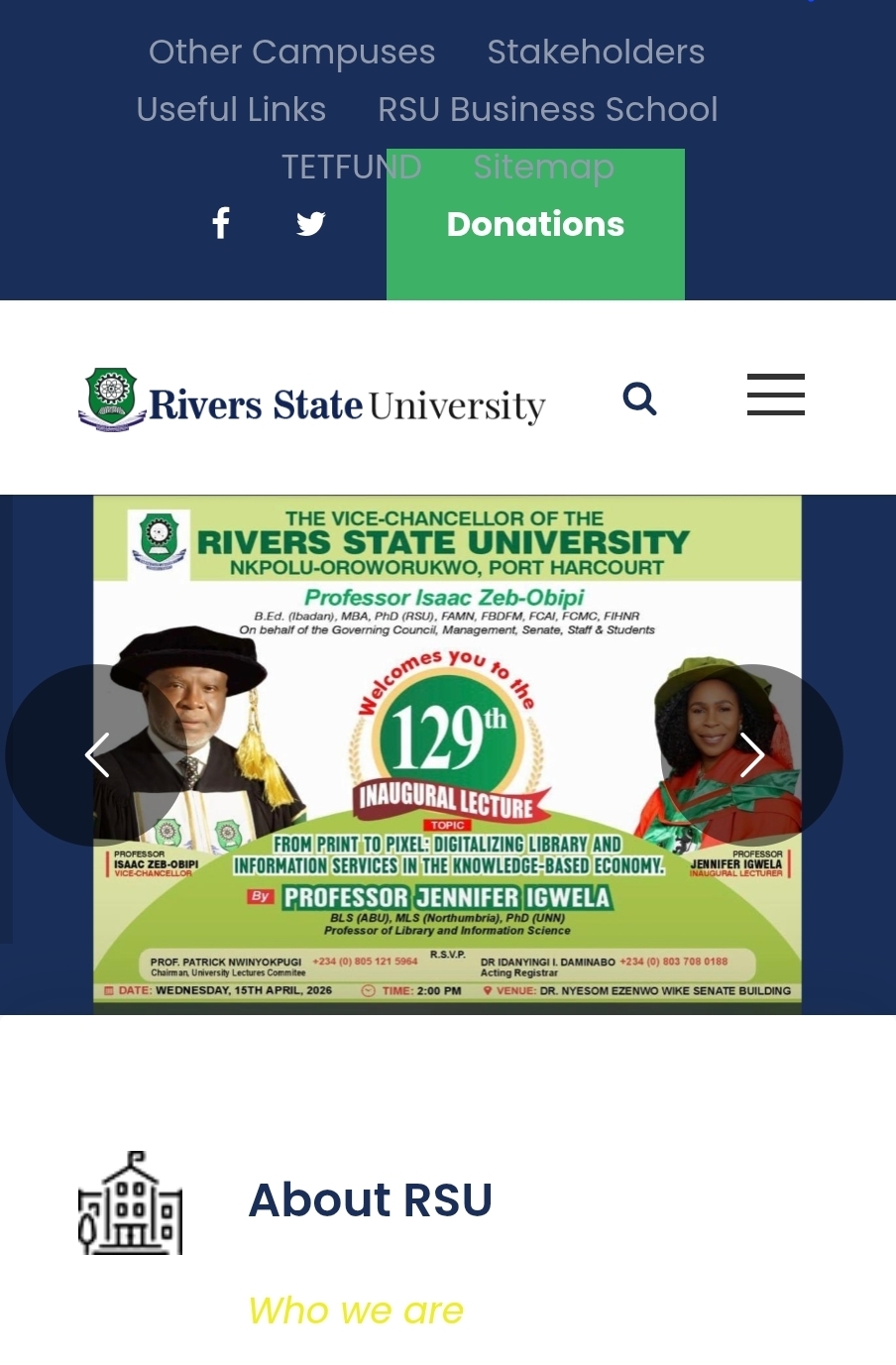
www.rsu.edu.ng The institution of the River State University of Science and Technology (RSU) student portal contains every resource and program students needs to enroll on like undergraduate programs, graduate and professional programmes, Rivers State University Business School (RSUBS) studies, Postgraduate Programmes, sandwich programmes.
Details of their Faculties are present on their portal
- Agriculture
- Basic Medical Science
- College of Medicine
- Education
- Engineering
- Environmental Science
- Humanities
- Law
- Management Science
- Communication And Media Studies
- Social Sciences
- Science
The resources found on RSU portal
You can download student manuals here to adhere to school principles. DOWNLOAD HERE
ONLINE COMPLAINT FORM
Use this form if a lecturer, academic or non-academic staffs, school security, adhoc staffs, course representative, SUG official are sexually harassing you. This will immediately reach INDEPENDENT SEXUAL HARASSMENT PROHIBITION COMMITTEE Use this link now
INAUGURAL LECTURES
Information about the various CAP Payment Plans for Rivers State University is contained here
Download Inaugural Lecture Schedule
POST GRADUATE SCHOOL
Get verse information about the postgraduate form here. Download the Manual for Post Graduate School, Rivers State University
Why Do You Need the Student Portal?
There are so many uses of the student portal. In fact, every student both fresh and returning students need the student portal for so many reasons
River State University of Science and Technology (RSU) Student Portal
You can visit and Access the RSU Student Portal using a computer or mobile via the following link:
- Rivers State University Journal of Education: https://rsujoe.com.ng
- RSU Undergraduate Student Portal: https://ecampus.rsu.edu.ng/
- RSU Main Website: https://www.rsu.edu.ng/

Use this link to register as a student: https://ecampus.rsu.edu.ng/ecampus/create-account.html
Make sure you submit your correct details so that you can do the following
- Online Course registration
- Pay School fees
- semester result courses result
- Pay freshers acceptance fee
- Process academic transcript
- View academic calendar
- Hostel application
- Deferment of admission etc.
However, if you are unable to check your RSU student portal, Or find what you needed regarding this post, Please, kindly comment below and we will respond to it as soon as possible.
Have complaints and enquiries to contact the RSU direct
If you want to contact the RSU direct here is their email address.
info@ust.edu.ng
We also advice you to visit the school ICT unit located inside the school
Be the first to comment